Calorie Expenditure Prediction Using Supervised Machine Learning Models
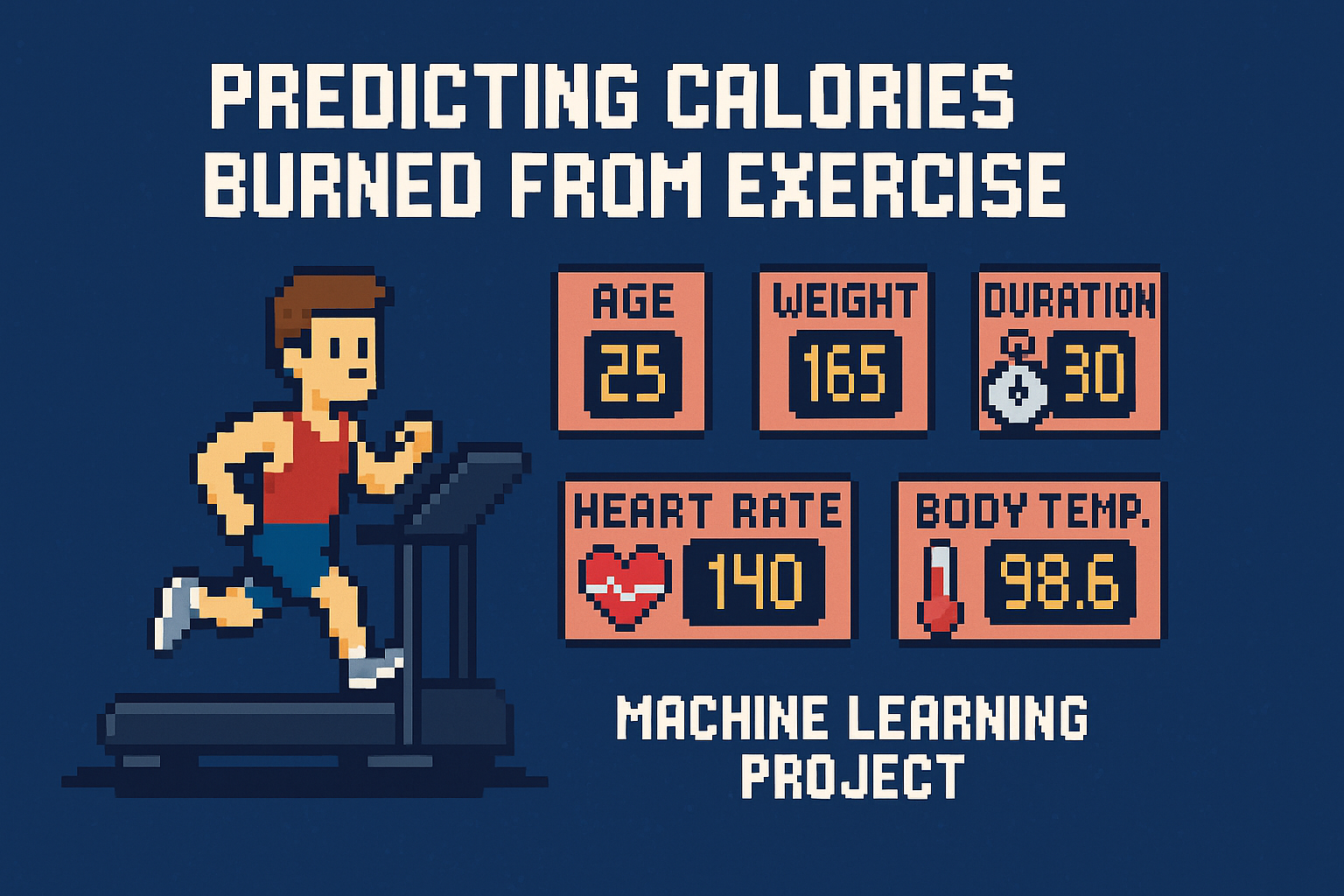
This project uses supervised machine learning models to predict the number of calories burned during a workout based on biometric and activity features such as age, weight, duration, heart rate, and body temperature. The goal is to support personalized fitness insights through accurate energy expenditure estimation.
📚 Import Required Libraries
1
2
3
4
5
6
7
8
9
10
import pandas as pd
from pathlib import Path
import numpy as np
import seaborn as sns
import matplotlib.pyplot as plt

from sklearn.model_selection import train_test_split
from sklearn.ensemble import RandomForestRegressor
from sklearn.preprocessing import LabelEncoder
from sklearn.metrics import mean_squared_log_error
🗂️ Load and Preview the Dataset
1
2
3
4
5
6
7
8
test_path = Path('Predict_Calorie') / 'test.csv'
train_path = Path('Predict_Calorie') / 'train.csv'
sub_path = Path('Predict_Calorie') / 'gender_submission.csv'
test = pd.read_csv(test_path)
train = pd.read_csv(train_path)
print("Train shape:", train.shape)
print("Test shape:", test.shape)
train.head()
1
2
Train shape: (750000, 9)
Test shape: (250000, 8)
| id | Sex | Age | Height | Weight | Duration | Heart_Rate | Body_Temp | Calories | |
|---|---|---|---|---|---|---|---|---|---|
| 0 | 0 | male | 36 | 189.0 | 82.0 | 26.0 | 101.0 | 41.0 | 150.0 |
| 1 | 1 | female | 64 | 163.0 | 60.0 | 8.0 | 85.0 | 39.7 | 34.0 |
| 2 | 2 | female | 51 | 161.0 | 64.0 | 7.0 | 84.0 | 39.8 | 29.0 |
| 3 | 3 | male | 20 | 192.0 | 90.0 | 25.0 | 105.0 | 40.7 | 140.0 |
| 4 | 4 | female | 38 | 166.0 | 61.0 | 25.0 | 102.0 | 40.6 | 146.0 |
🔍 Exploratory Data Analysis (EDA)
1
train.info()
1
2
3
4
5
6
7
8
9
10
11
12
13
14
15
16
<class 'pandas.core.frame.DataFrame'>
RangeIndex: 750000 entries, 0 to 749999
Data columns (total 9 columns):
 #   Column      Non-Null Count   Dtype
---  ------      --------------   -----
 0   id          750000 non-null  int64
 1   Sex         750000 non-null  object
 2   Age         750000 non-null  int64
 3   Height      750000 non-null  float64
 4   Weight      750000 non-null  float64
 5   Duration    750000 non-null  float64
 6   Heart_Rate  750000 non-null  float64
 7   Body_Temp   750000 non-null  float64
 8   Calories    750000 non-null  float64
dtypes: float64(6), int64(2), object(1)
memory usage: 51.5+ MB
1
train.describe()
| id | Age | Height | Weight | Duration | Heart_Rate | Body_Temp | Calories | |
|---|---|---|---|---|---|---|---|---|
| count | 750000.000000 | 750000.000000 | 750000.000000 | 750000.000000 | 750000.000000 | 750000.000000 | 750000.000000 | 750000.000000 |
| mean | 374999.500000 | 41.420404 | 174.697685 | 75.145668 | 15.421015 | 95.483995 | 40.036253 | 88.282781 |
| std | 216506.495284 | 15.175049 | 12.824496 | 13.982704 | 8.354095 | 9.449845 | 0.779875 | 62.395349 |
| min | 0.000000 | 20.000000 | 126.000000 | 36.000000 | 1.000000 | 67.000000 | 37.100000 | 1.000000 |
| 25% | 187499.750000 | 28.000000 | 164.000000 | 63.000000 | 8.000000 | 88.000000 | 39.600000 | 34.000000 |
| 50% | 374999.500000 | 40.000000 | 174.000000 | 74.000000 | 15.000000 | 95.000000 | 40.300000 | 77.000000 |
| 75% | 562499.250000 | 52.000000 | 185.000000 | 87.000000 | 23.000000 | 103.000000 | 40.700000 | 136.000000 |
| max | 749999.000000 | 79.000000 | 222.000000 | 132.000000 | 30.000000 | 128.000000 | 41.500000 | 314.000000 |
📊 Distribution of Calories Burned
1
2
3
4
5
6
plt.figure(figsize=(8, 4))
sns.histplot(train['Calories'], bins=50, kde=True)
plt.title("Distribution of Calories Burned")
plt.xlabel("Calories")
plt.ylabel("Frequency")
plt.show()
📦 Boxplot: Calories by Sex
1
2
3
4
plt.figure(figsize=(6, 4))
sns.boxplot(data=train, x='Sex', y='Calories')
plt.title("Calories Burned by Sex")
plt.show()
🧮 Correlation Heatmap of Numeric Features
1
2
3
4
5
plt.figure(figsize=(10, 6))
sns.heatmap(train.select_dtypes(include='number').corr(), annot=True, cmap="coolwarm", fmt=".2f")
plt.title("Feature Correlation Heatmap")
plt.show()
🎯 Purpose of the Model
The goal of this machine learning model is to predict the number of calories burned during a workout session based on biometric and activity-related inputs such as age, weight, height, duration, heart rate, and body temperature.
By accurately estimating calorie expenditure, the model can support applications in fitness tracking, personalized health insights, and activity planning, helping users and systems better understand energy usage in physical activities.
🏷️ Encode Categorical Variables
1
2
3
le = LabelEncoder()
train['Sex'] = le.fit_transform(train['Sex'])  # male=1, female=0
test['Sex'] = le.transform(test['Sex'])
🎯 Define Features and Target
1
2
3
X = train.drop(columns=['Calories', 'id'])
y = train['Calories']
X_test = test.drop(columns=['id'])
🧪 Function to Evaluate Performance
1
2
3
4
5
6
7
8
9
10
11
12
13
14
15
16
17
18
19
def evaluate_and_plot(model, name, X_train, X_val, y_train, y_val):
    model.fit(X_train, y_train)
    y_pred = model.predict(X_val)
    y_pred = np.clip(y_pred, 0, None)
    y_val_clipped = np.clip(y_val, 0, None)

    rmsle = np.sqrt(mean_squared_log_error(y_val_clipped, y_pred))
    print(f"{name} - Validation RMSLE:", round(rmsle, 4))  # << changed here

    # Visualization
    plt.figure(figsize=(6, 6))
    sns.scatterplot(x=y_val, y=y_pred, alpha=0.3)
    plt.plot([y_val.min(), y_val.max()], [y_val.min(), y_val.max()], color='red', linestyle='--')
    plt.xlabel("Actual Calories")
    plt.ylabel("Predicted Calories")
    plt.title(f"{name} - Actual vs. Predicted Calories")
    plt.show()

    return name, rmsle, model
🔀 Train/Test Split for Validation
1
X_train, X_val, y_train, y_val = train_test_split(X, y, test_size=0.2, random_state=42)
🌲 Train a Random Forest Regressor
1
2
rf_model = RandomForestRegressor(n_estimators=100, random_state=42)
rf_model.fit(X_train, y_train)
RandomForestRegressor(random_state=42)In a Jupyter environment, please rerun this cell to show the HTML representation or trust the notebook.
On GitHub, the HTML representation is unable to render, please try loading this page with nbviewer.org.
RandomForestRegressor(random_state=42)
📏 Evaluate Model with RMSLE
1
evaluate_and_plot(rf_model, "Random Forest", X_train, X_val, y_train, y_val)
1
Random Forest - Validation RMSLE: 0.0634
1
2
3
('Random Forest',
 np.float64(0.06339603326021119),
 RandomForestRegressor(random_state=42))
🌟 Gradient Boosting Regressor
1
2
from sklearn.ensemble import GradientBoostingRegressor
gbr_model = GradientBoostingRegressor(n_estimators=100, learning_rate=0.1, random_state=42)
📏 Evaluate Model with RMSLE
1
evaluate_and_plot(gbr_model, "Gradient Boosting", X_train, X_val, y_train, y_val)
1
Gradient Boosting - Validation RMSLE: 0.1294
1
2
3
('Gradient Boosting',
 np.float64(0.12937499268300726),
 GradientBoostingRegressor(random_state=42))
⚡ XGBoost Regressor
1
2
from xgboost import XGBRegressor
xgb_model = XGBRegressor(n_estimators=100, learning_rate=0.1, objective='reg:squarederror', random_state=42)
📏 Evaluate Model with RMSLE
1
evaluate_and_plot(xgb_model, "XGBoost", X_train, X_val, y_train, y_val)
1
XGBoost - Validation RMSLE: 0.0682
1
2
3
4
5
6
7
8
9
10
11
12
13
('XGBoost',
 np.float64(0.06817993870283824),
 XGBRegressor(base_score=None, booster=None, callbacks=None,
              colsample_bylevel=None, colsample_bynode=None,
              colsample_bytree=None, device=None, early_stopping_rounds=None,
              enable_categorical=False, eval_metric=None, feature_types=None,
              feature_weights=None, gamma=None, grow_policy=None,
              importance_type=None, interaction_constraints=None,
              learning_rate=0.1, max_bin=None, max_cat_threshold=None,
              max_cat_to_onehot=None, max_delta_step=None, max_depth=None,
              max_leaves=None, min_child_weight=None, missing=nan,
              monotone_constraints=None, multi_strategy=None, n_estimators=100,
              n_jobs=None, num_parallel_tree=None, ...))
🤩 Summary
| Model | RMSLE | Performance Summary |
|---|---|---|
| 🌲 Random Forest | 0.0634 | ✅ Best overall — highly accurate with low error, robust to overfitting |
| ⚡ XGBoost | 0.0682 | 🔼 Close second — excellent performance, slight trade-off for training speed |
| 🌟 Gradient Boosting | 0.1294 | 🟡 Significantly higher error — may benefit from tuning or more trees |
📌 Conclusion: Why Random Forest Performed Best
Among the three models tested, Random Forest Regressor achieved the lowest RMSLE (0.0634), making it the most accurate in predicting calorie expenditure.
🔍 Why did Random Forest perform best?
- It handles nonlinear relationships and feature interactions very well without requiring extensive tuning.
- It’s robust to noise and outliers, which is useful when working with real-world biometric data.
- It averages over many decision trees, reducing overfitting and yielding stable, reliable results.
In contrast, Gradient Boosting and XGBoost can be more sensitive to parameter settings and typically require more fine-tuning to reach optimal performance.